
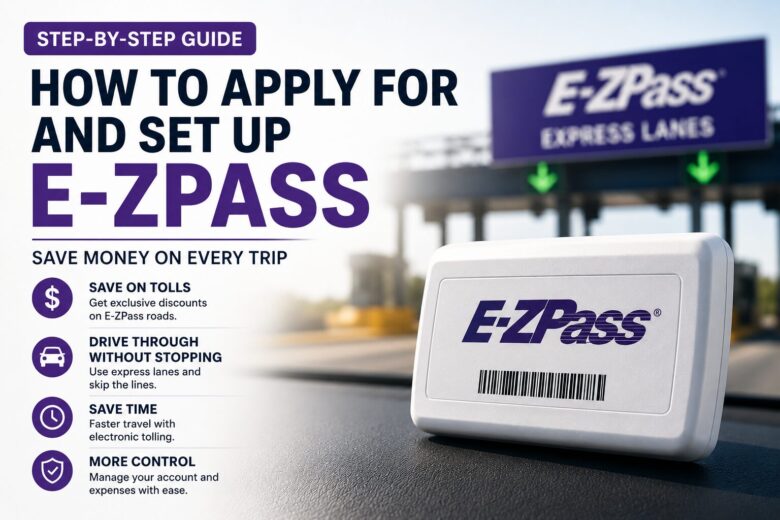
If you routinely utilize US highways for business, client servicing, delivery logistics, or everyday commuting, you already know that toll fees can quickly drain a substantial portion of your monthly operating budget. Driving along East Coast highways without an electronic payment system means dealing with stressful invoices or relying on Pay-By-Plate billing mechanisms, which are significantly more expensive.
The Pay-By-Plate framework takes a photo of your license tag and mails a physical statement directly to your residential address, frequently tacking on extra administrative surcharges that inflate the standard toll rate. The definitive strategy to eliminate this operational overhead and unlock immediate, automated travel discounts is deploying an electronic transponder.
In this practical blueprint, you will master exactly how to get an ezpass, set up your digital profile, and lock down automated savings within your daily cash flow.
What is E-ZPass and How Does it Save You Money?
E-ZPass is an electronic toll collection framework that operates via a small plastic transponder device mounted to the inside of your vehicle’s windshield. As you cross through designated express toll lanes, highway overhead sensors scan the transponder and automatically deduct the fare from your prepaid digital balance.
The primary structural benefit of carrying the official transponder is unlocking exclusive commuter discounts. On various bridges, tunnels, and main turnpikes (such as the MassPike / I-90), drivers using an active device pay a noticeably reduced rate per toll compared to motorists who receive physical bills by mail. Over a year of consistent driving, this baseline tracking margin adds up to hundreds of dollars in direct savings.
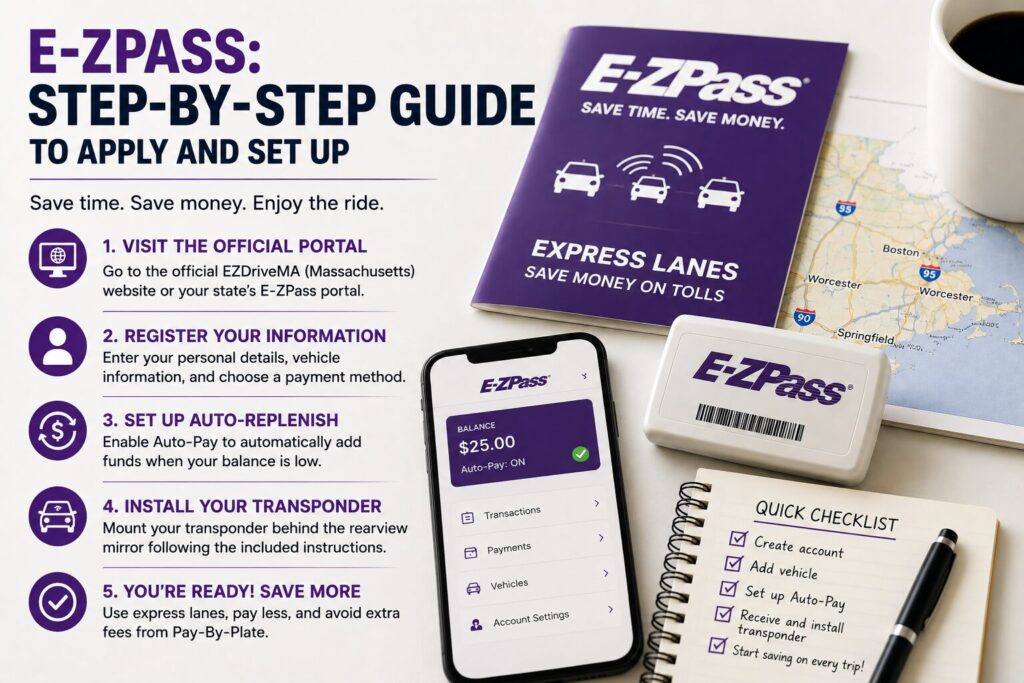
Step 1: Access Your Local State Toll Portal
Although E-ZPass is seamlessly integrated across more than 19 states, the optimal protocol is requesting your device through the Department of Transportation portal where your vehicle is actively registered.
- If you are a resident operating in Massachusetts, navigate to the official EZDriveMA system portal.
- The baseline account registration process is completely free, and individual commuters face no monthly subscription maintenance charges for utilizing a standard transponder. You pay strictly for the toll infrastructure you clear.
Step 2: Input Your Personal and Vehicle Registration Data
To establish your secure online account, you must complete a streamlined digital application. Ensure you have the following credentials ready:
- Driver Contact Info: Your legal name, verifiable US physical mailing address, and primary telephone number.
- Vehicle Parameters: The production year, make, model, and crucially, the exact license plate number and state of registration for the vehicle.
- Financial Routing: A credit card, debit card, or banking account layout to establish your initial prepaid funding stream.
Step 3: Enable the Automatic Replenishment Framework (Auto-Pay)
The most efficient technical method to manage your ongoing E-ZPass ledger is activating the automatic replenishment option during onboarding.
When setting up the account, you will execute an initial prepaid funding deposit (typically $20 or $30). This balance is immediately available to cover your opening travels. Once your digital account balance dips below a minimum pre-set threshold (commonly $10), the automated system instantly processes a micro-charge to your linked payment card to replenish the vault. This guarantees you never travel with an empty account, completely neutralizing toll violation notices and surprise penalties.
Step 4: Mount the Transponder Unit Correctly
Once your digital application is approved, your physical E-ZPass transponder unit will be shipped to your residential mailing address within a few business days.
To ensure highway sensors read your device flawlessly, execute the proper installation: clean the interior glass area of your windshield directly behind your central rearview mirror, and firmly press the transponder into place using the specialized dual-lock adhesive strips provided in your onboarding kit. Never hold the device manually while passing a toll frame or leave it loose on the dashboard, as this often causes read failures, triggering unnecessary plate-matching fees.
Operational Efficiency That Frees Extra Capital
Understanding how to get an ezpass and automating your highway transit is a straightforward financial adjustment that brings immediate bottom-line relief. It completely removes the administrative drag of physical mailers and keeps more liquid capital inside your household budget.
Plugging small financial leaks in your everyday operations, like commuting overhead, is exactly how you expand your surplus cash margin to invest in long-term safety nets. When your hard-earned dollars stop bleeding out into avoidable processing fees, you secure the financial leverage required to construct a true protective shield for your family.
🛡️ Align Daily Efficiency with Asset Shielding
Optimizing everyday costs forms the foundation of your free cash flow. Want to learn how to strategically direct your operational savings toward professional accumulation structures and advanced wealth protection tools?
Click here to schedule a free financial strategy consultation with Leandro Santiago and build your personalized family shield today.